
Outbound doesn’t fail because of bad copy.
It fails because of bad systems.
Most GTM teams try to:
- enrich leads,
- personalize messages,
- push to campaigns,
- track responses,
- automate follow-ups,
…using disconnected tools and fragile workflows.
The result?
- Broken syncs
- Empty personalization variables
- Duplicate leads
- Poor segmentation
- And campaigns that never reach their potential
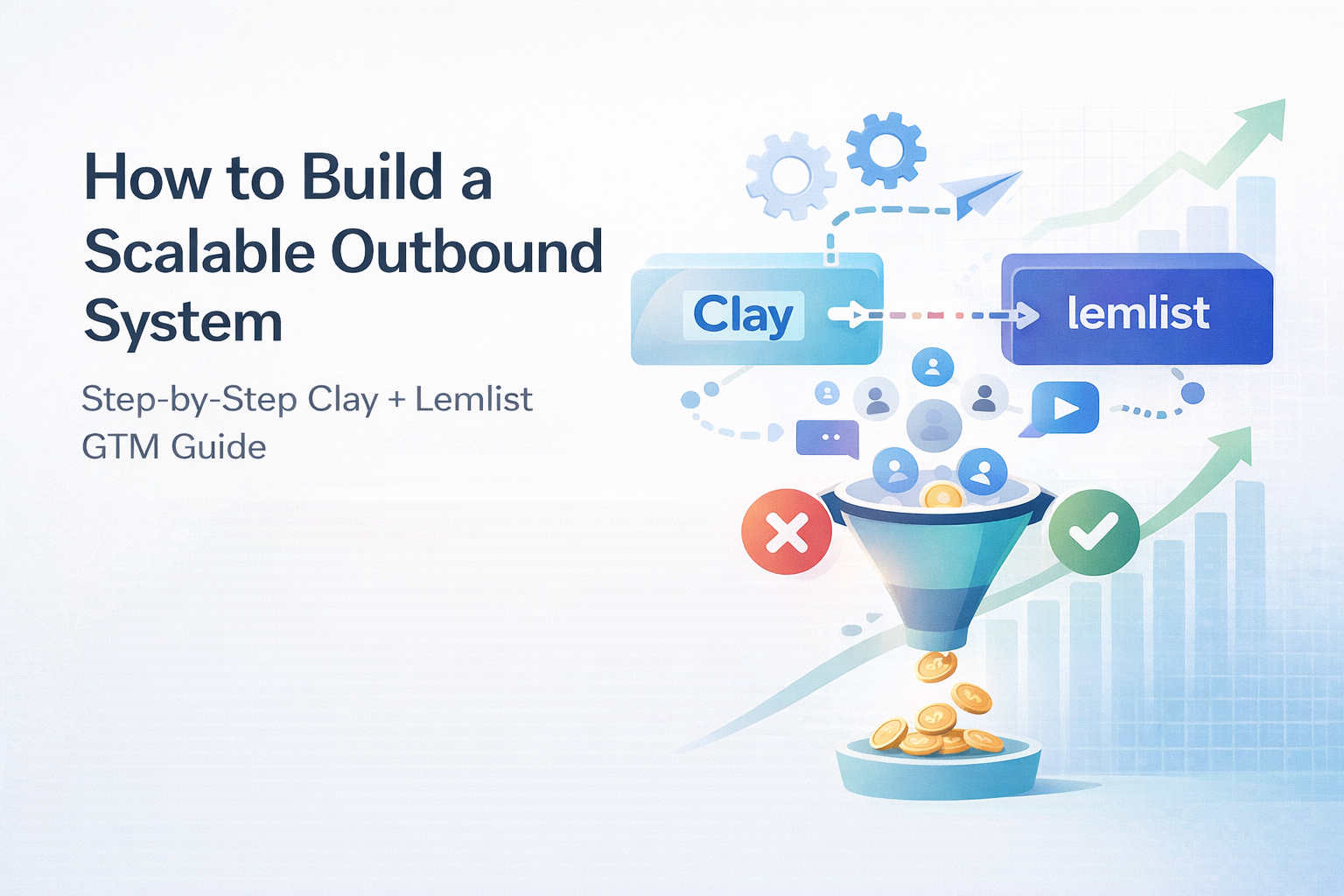
This guide walks you through a clean, reusable Clay–Lemlist setup you can use across GTM plays, from cold outbound to inbound-led ABM to website visitor activation.
What This Setup Solves
Before we jump into the steps, let’s clarify the goal:
You want a system where:
- Leads enter Clay (CSV, CRM, webhook, visitor data).
- They get enriched and scored automatically.
- AI generates personalized snippets (or even video variables).
- Only qualified leads are pushed to Lemlist.
- Campaign variables populate correctly.
- Everything runs without manual babysitting.
This is how outbound becomes predictable instead of chaotic.
Step 1: Prerequisites (Don’t Skip This)
Before connecting anything, make sure you have:
✔ Clay Workspace
At least one table created via:
- CSV import
- CRM export
- Clay template
- Webhook intake
✔ Lemlist Campaign Created First
This is critical.
You must:
- Create at least one campaign inside Lemlist.
- Copy the Campaign ID (it starts with
CAM_). - Keep it ready for mapping later.
Trying to push leads before the campaign exists is one of the most common automation failures.
Step 2: Connect Lemlist Inside Clay
Now connect the tools properly.
In Clay:
- Go to Settings → Connections
- Click Add Connection
- Search and select Lemlist
In Lemlist:
- Go to Settings → API
- Copy your API key
Paste the API key into Clay.
Save.
You should now see Lemlist marked as “Connected.”
If sync issues happen later, re-authenticating here fixes a surprising number of problems.
Step 3: Structure Your Clay Table Correctly
This is where most outbound systems go wrong.
Your Clay table should include:
Required Fields
- first_name
- last_name
- company
Enrichment Fields (Optional but Powerful)
- LinkedIn URL
- domain
- tech stack
- funding stage
- hiring signals
- job title
- intent signals
AI Columns
Add AI-driven columns for:
- ICP fit score (true/false or numeric score)
- Pain point extraction
- Trigger event detection
- Personalized first line
- Video script snippet (if sending videos)
This allows personalization at scale without manual writing.
Step 4: Automatically Send Personalized Videos with Clay + Lemlist
This is where the setup gets powerful.
Instead of sending static emails, you can:
- Use Clay to generate a personalized script.
- Trigger dynamic video creation (via integrations like Sendspark, Loom API, or custom tools).
- Insert the personalized video link into a Lemlist custom variable.
In Lemlist, you create a custom variable like:
{{video_link}}
Then in Clay, map a column called video_link to that variable.
When the lead is pushed, Lemlist automatically inserts the personalized video into the email.
This dramatically increases reply rates compared to plain text outreach.
The key isn’t just the video.
It’s the automation layer behind it.
Step 5: Add Lemlist Action in Clay
Inside your Clay table:
- Click Add Enrichment
- Search for Lemlist
- Choose Add Lead to Campaign
Paste your Campaign ID (CAM_…)
Then map:
| Clay Column | Lemlist Field |
|---|---|
| first_name | firstName |
| last_name | lastName |
| company | companyName |
| personalized_first_line | icebreaker |
| video_link | custom variable |
Be precise.
Mapping errors are the #1 reason personalization fails.
Step 6: Test Small Before Scaling
Never bulk push immediately.
Instead:
- Disable Auto-Run.
- Select 1–5 rows.
- Click “Run on Selected Rows.”
Then check in Lemlist:
- Do leads appear?
- Are variables filled?
- Are any {{placeholders}} blank?
- Are duplicates blocked?
Only after validation should you scale.
Step 7: Turn On Automation Safely
Now add filters in Clay:
- ICP_fit = true
- email is not null
- not already_in_lemlist = true
You can:
- Enable Auto-Run in Clay.
- Or schedule pushes via orchestration tools like n8n or Albato.
- Or use webhooks for real-time flows.
Monitor for:
- API errors
- Duplicate errors
- Invalid emails
- Send volume spikes
- Early reply rates
The first 72 hours tell you everything.
Optional: Warm Website Visitor Flow (High-ROI Play)
Cold outbound works.
But warm outbound converts better.
You can:
- Use a de-anonymization tool (like RB2B).
- Send website visitor data into Clay via webhook.
- Enrich the company + decision makers.
- Let AI mark
campaign_qualified = true. - Push only qualified visitors into a dedicated Lemlist campaign.
These leads:
- Already visited your site.
- Already showed intent.
- Respond at higher rates.
This turns anonymous traffic into structured pipeline.
How to Use Clay + Lemlist Across GTM Plays
This system works for:
Inbound-Led Outbound
Export form fills → enrich → push personalized outreach.
ABM (Account-Based Marketing)
Import target accounts → enrich decision makers → personalized campaigns.
Churn Rescue
Export inactive users → enrich context → tailored reactivation outreach.
Funding-Based Prospecting
Trigger when companies raise funds → enrich team → push campaign.
The logic remains the same.
The inputs change.
Common Mistakes to Avoid
- Forgetting to create a campaign first.
- Using the wrong Campaign ID format.
- Not deduplicating leads.
- Missing required variables.
- Enabling auto-run before testing.
- Pushing unqualified leads at scale.
- Ignoring deliverability metrics.
Automation amplifies both good systems and bad ones.
Final Takeaways
- Clay handles enrichment and intelligence.
- Lemlist handles sequencing and deliverability.
- The bridge between them must be clean.
- Test before scaling.
- Qualify before pushing.
- Monitor after launching.
Outbound success isn’t about sending more emails.
It’s about building a reliable pipeline engine.